
Lightspark Testing VASP
You can test your UMA integration with Lightspark's testing VASP if you have an account with us.
It utilizes your Lightspark node in test mode to complete the flow, especially fulfilling the payment.
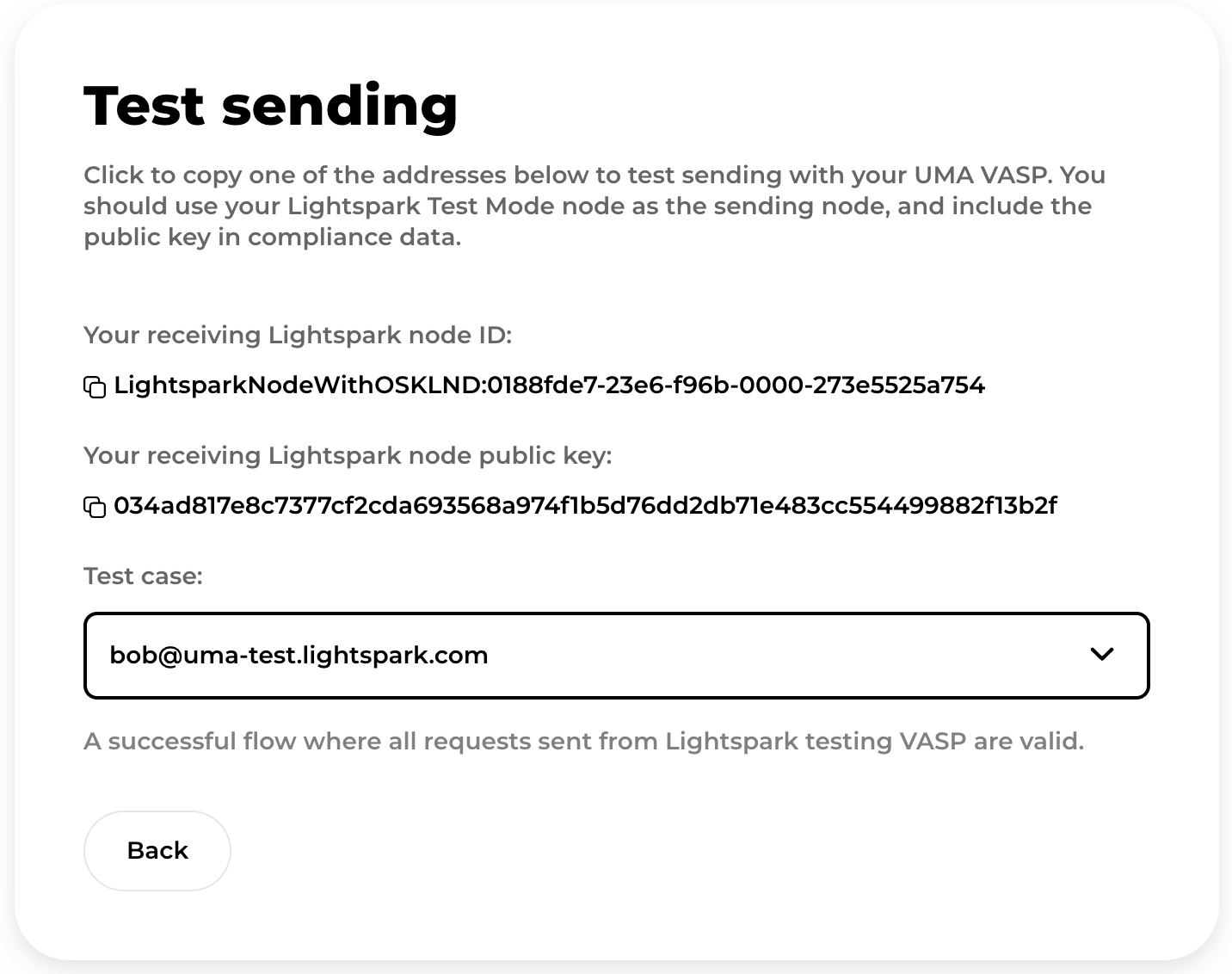
To test a send flow, your VASP can send request to any predefined UMA we list on the test sending page.
To make sure you can test the entire flow including sending the payment,
your VASP needs to use your test mode Lightspark node in the flow.
More specifically, you need to:
- Use the public key of your Lightspark node as
nodePubKeywhen creating a pay request. - Pay the invoice using the same Lightspark node.
We provide a list of predefined UMAs, including an UMA to test a successful flow,
and some UMAs where our testing VASP can help you test edge cases.
For example, if your VASP sends an LNURLP request to
lnurlp_query_response_invalid_signature@uma-test.lightspark.com,
our VASP will respond with your LNURLP query with an invalid signature.
You can utilize that to make sure your VASP can catch that and respond accordingly.
You can find all the predefined UMAs on the test sending screen.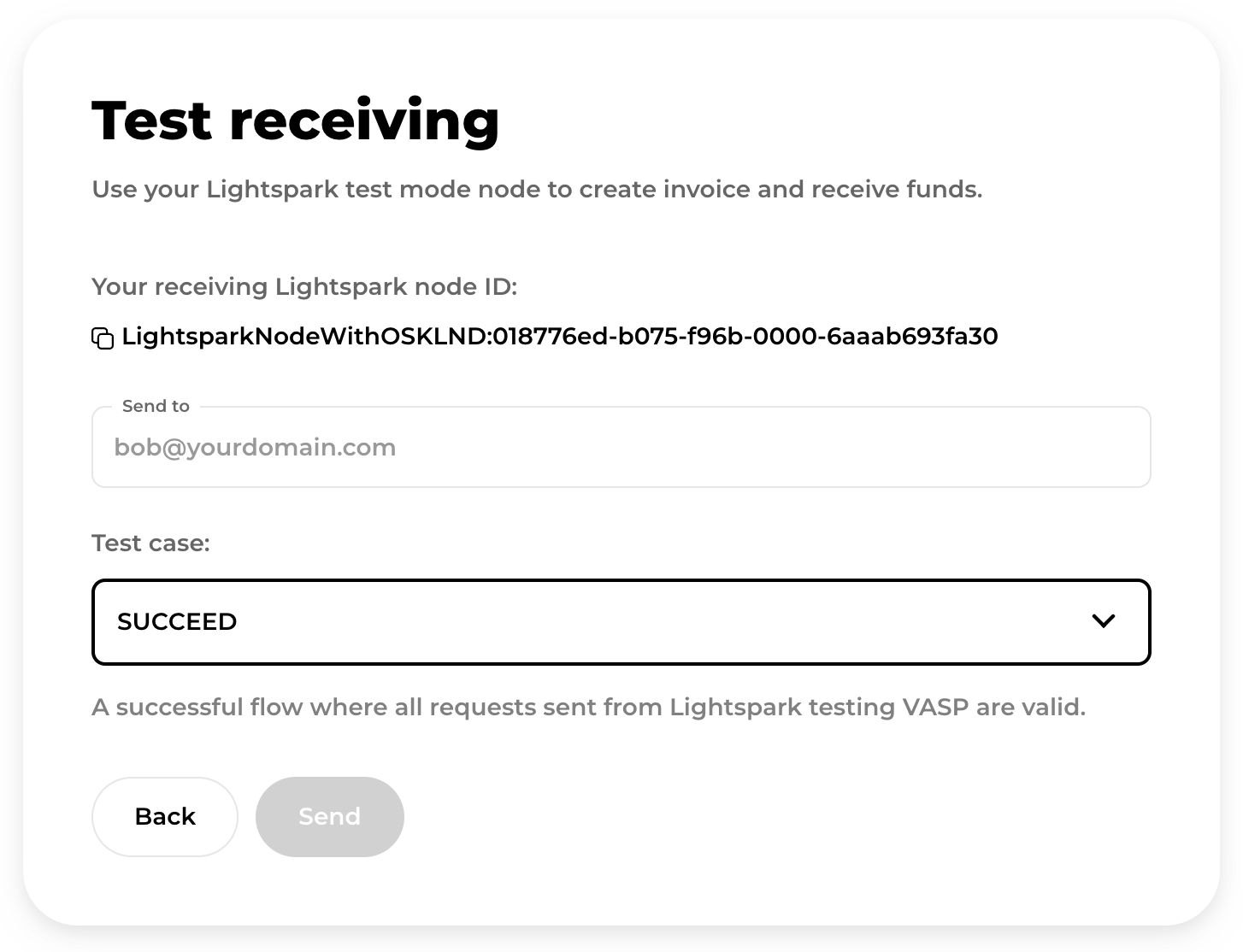
To test receive flow, you enter an UMA. The Lightspark testing VASP will
send an LNURLP request to that UMA to initiate the UMA flow.
To make sure you can test the entire flow including receiving the payment,
your VASP needs to use your test mode Lightspark node listed on the test
receiving page to create the UMA invoice in the pay request response.
We provide a list of predefined test cases, including a successful flow,
and others where our testing VASP can help you test edge cases.
For example, our testing VASP can send an LNURLP query with an invalid signature.
You can utilize that to make sure your VASP can catch that and respond accordingly.
You can find all the test cases on the test receiving screen.