
Authentication
The Lightspark API uses API Tokens to authenticate incoming requests. You can manage your account’s tokens in your API settings.
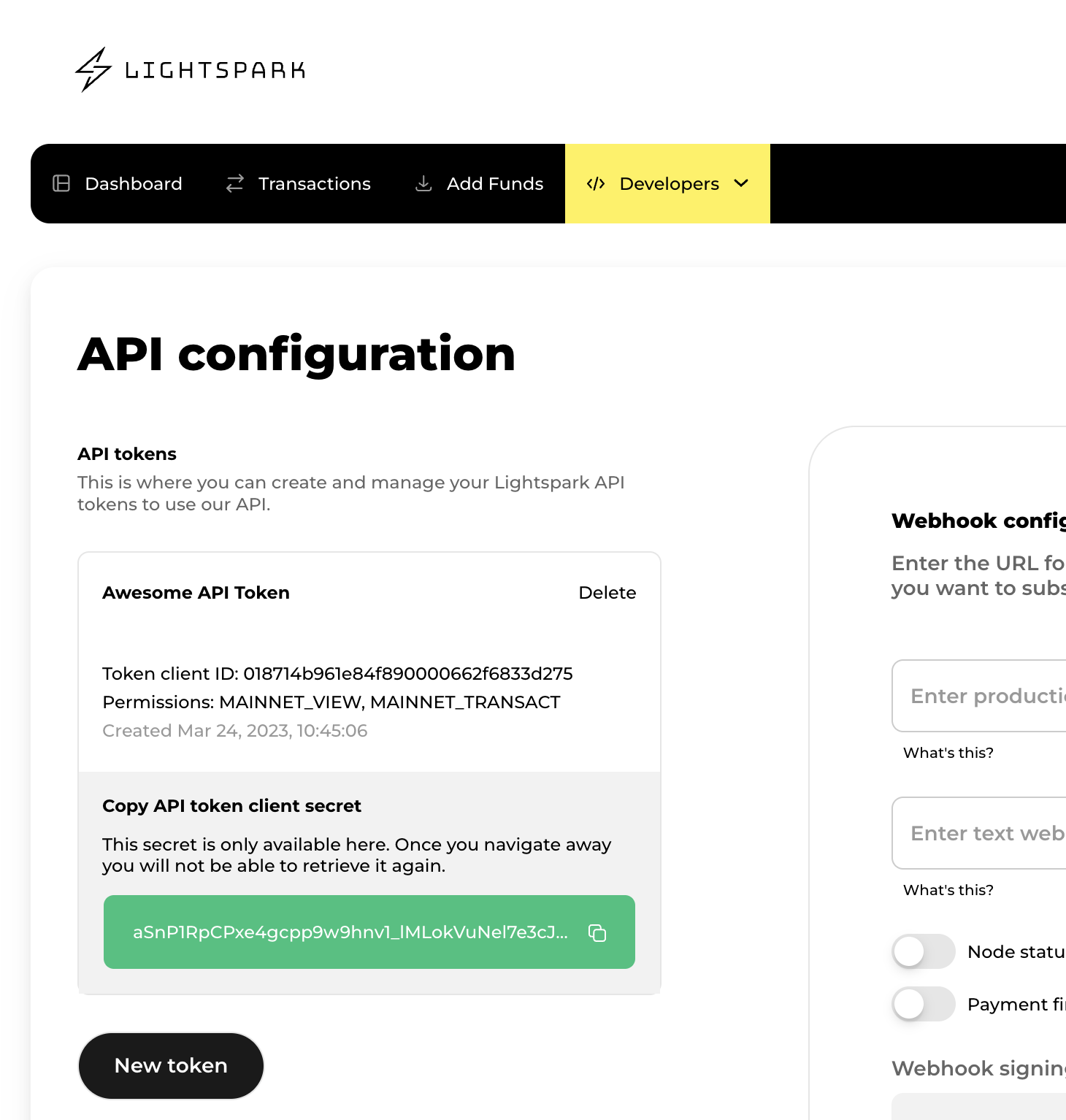
You should make sure to keep your tokens very secure! They carry a lot of permissions on your account. Do not save them in client code, Github repositories, or other locations that may put them at risk.
Instantiating the client with your API token is simple:
import { AccountTokenAuthProvider, LightsparkClient } from "@lightsparkdev/lightspark-sdk";

const API_TOKEN_CLIENT_ID = <your api token client id>;
const API_TOKEN_CLIENT_SECRET = <your api token client secret>;

const client = new LightsparkClient(
  new AccountTokenAuthProvider(API_TOKEN_CLIENT_ID, API_TOKEN_CLIENT_SECRET)
);
We recommend passing the API Token as an environment variable or from a safe config. It should not be checked into your codebase.
Authentication to the API is performed via HTTP Basic Auth. Provide your Token ID as the basic auth username, and the token as the password. You will need to add a header to all your API calls using the pseudo code below:
api_token_client_id = "018578a7e83d4f690040533eddb98b15" # Example
api_token_client_secret="tddrULKnzyPvFMrf7vtk7uv7c0oetibKLsWvgLGqLwY" # Example
encoded = base64encode(api_token_client_id + ":" + api_token_client_secret)
headers = {
  "Authorization": "Basic " + encoded,
}
All API requests must be made over HTTPS. Calls made over plain HTTP will fail. API requests without authentication will also fail.