
Open an invitation
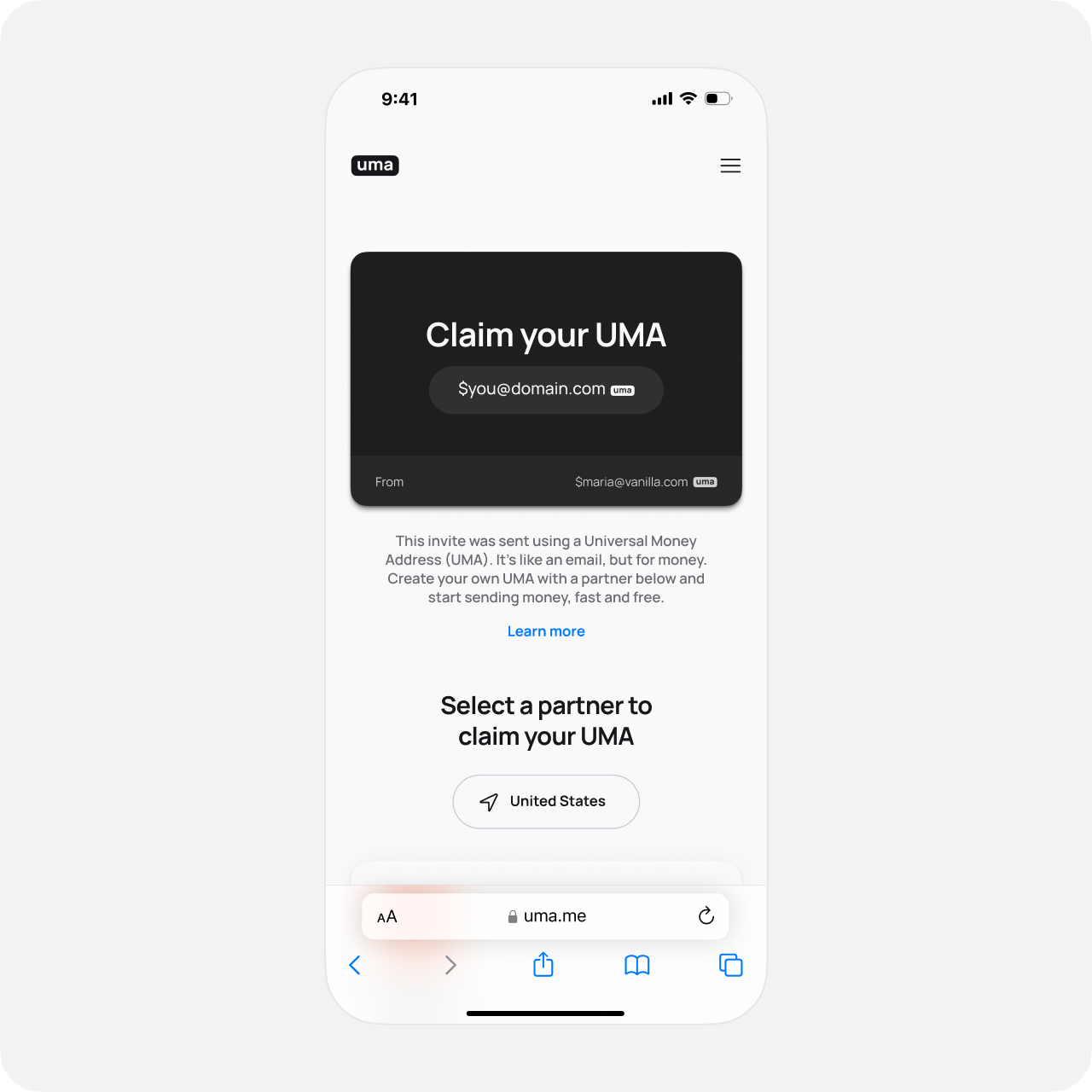
The invitee will open the invitation URL, which will direct them to the UMA.ME website.
They will be able to learn more about UMA and a list of UMA VASPs available in their region will be displayed. They can pick one to create their UMA.
Note: if the inviter's VASP is available in the invitee's region, it will be at the top of the list.
When the invitee clicks the link, they will be redirected to the "onboarding URL" provided by the VASP, with the invitation code inside.
For example, if the invitation code is
ABCDEF123456 and the onboarding URL provided was http://vasp.com/uma?code=INVITATION_CODE, the invitee will be redirected to http://vasp.com/uma?code=ABCDEF123456.The VASP should then provide the ability to the invitee to:
- Sign up for their service, go through KYC, and create their UMA,
- Log into their service, and create their UMA,
- or log into their service and use their existing UMA.
In each of those case, the VASP should save the invitation code in order to claim the invitation later.