
Create an invitation
When a user wants to send an UMA payment to someone whose UMA address they don't know, or if they want to invite someone to join UMA, a VASP should create an UMA.ME invitation. They can then share the URL with the person they wish to invite using any communication channel (vasp built-in messaging, text message, email, etc.).
Users can also provide an optional first name for the inviter, which will be displayed to the invitee. This is helpful for personalizing the invitation and clarifying the identity of the inviter.
Invitations can optionally include a payment, allowing users to send a pay-by-link experience.
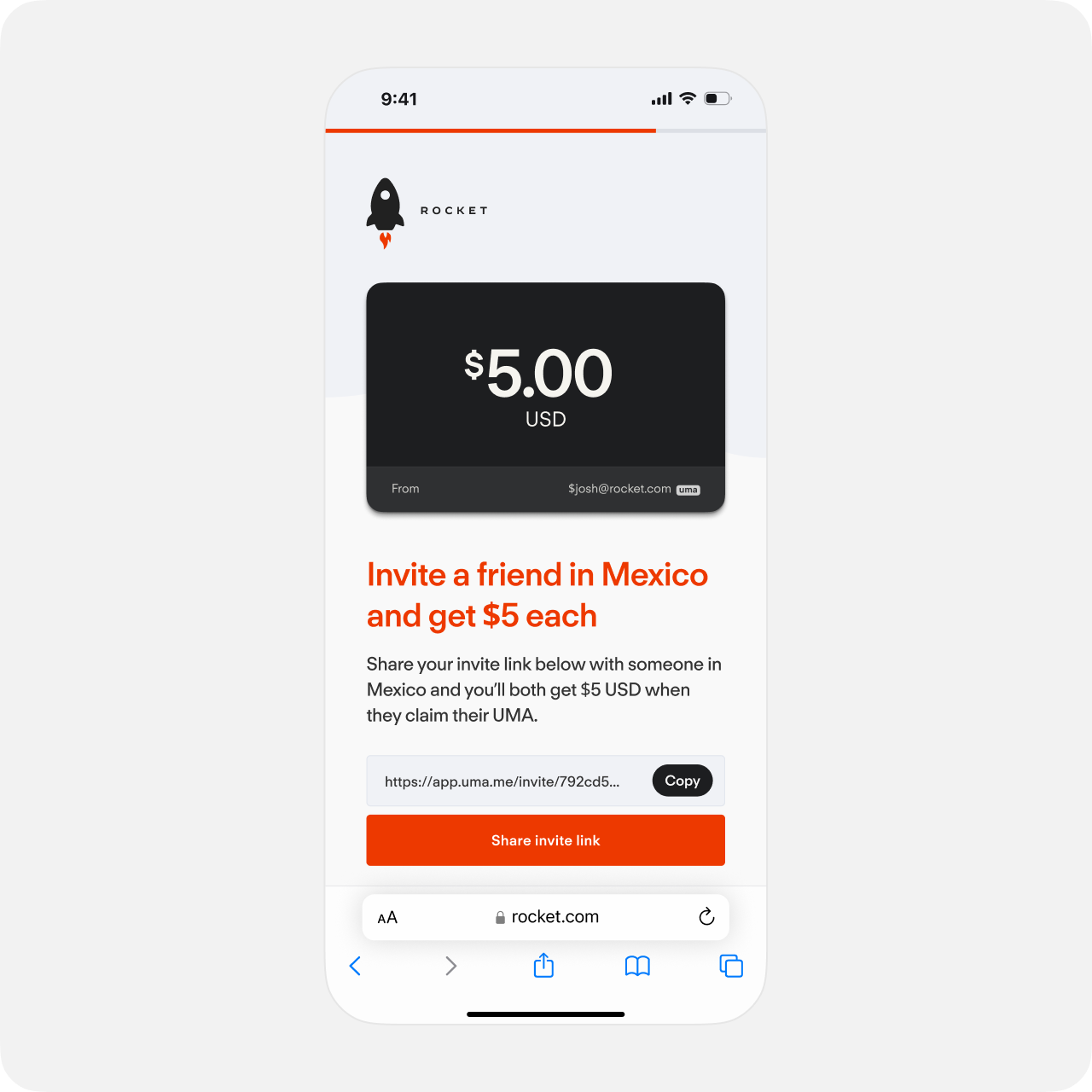
The URL is returned by the SDK, as well as a code uniquely identifying the invitation. The VASP should save the code to be able to reference the invitation later.
Note that the phone number of the inviter is never sent as-is to Lightspark's servers. It is hashed locally by the SDK, then that hash is sent to Lightspark to help detect duplicates and fraud. Your customer privacy is preserved.
const invitation = await client.createUmaInvitationWithIncentives(
  /* inviterUma */ "$alice@testvasp1.com",
  /* inviterPhoneNumberE164 */ "+15555557890",
  /* inviterRegion */ RegionCode.Us,
  /* inviterFirstName */ "Alice"
);

console.log(`The URL for the invitation is ${invitation.url}`);
console.log(`The unique code for the invitation is ${invitation.code}`);

// You can check the status of the incentives:
console.log(`The status for the invitation's incentives is ${invitation.incentivesStatus}`);

if (invitation.incentivesStatus === IncentivesStatus.Pending) {
  console.log("The invitation is eligible for incentives. We will resolve the status once the invitation is claimed.");
}

if (invitation.incentivesStatus === IncentivesStatus.Ineligible) {
  console.log("This invitation will not trigger incentives.");
}
If the VASP does not participate in the Lightspark UMA Incentives Program, they should create the invitation using the following SDK functions.
const invitation = await client.createUmaInvitation(
  /* inviterUma */ "$alice@testvasp1.com",
  /* inviterFirstName */ "Alice"
);

console.log(`The URL for the invitation is ${invitation.url}`);
console.log(`The unique code for the invitation is ${invitation.code}`);
Users can send payments attached to an invite to create a "pay-by-link" experience. To do this, provide an additional
amountToSend parameter. Note that if a payment is attached, you must also provide an expiration date.Amount to send is optional and if not provided, the invitee will not receive any amount. Note that the actual sending of the amount must be done by the inviter platform once the UMA_INVITATION_CLAIMED webhook is received. If the inviter platform either does not send the payment or the payment fails, the invitee will not receive this amount. This field is primarily used for display purposes on the claiming side of the invitation.
A user can cancel an invitation that has a payment attached to it and they no longer wish for the payment to be claimable. Only payments that have not been claimed or expired can be cancelled. This is done by calling the
cancelUmaInvitation function. For more information see Cancel an Invitation.const invitation = await client.createUmaInvitationWithPayment(
/* inviterUma */ "$alice@testvasp1.com",
/* inviterFirstName */ "Alice",
/* amountToSend */ {
amount: 12550,
currency: {
code: "USD",
name: "United States Dollar",
symbol: "$",
decimals: 2
}
},
/* expires_at */ new Date(Date.now() + 14 * 24 * 60 * 60 * 1000) // 14 days from now
);
console.log(`The URL for the invitation is ${invitation.url}`);
console.log(`The unique code for the invitation is ${invitation.code}`);